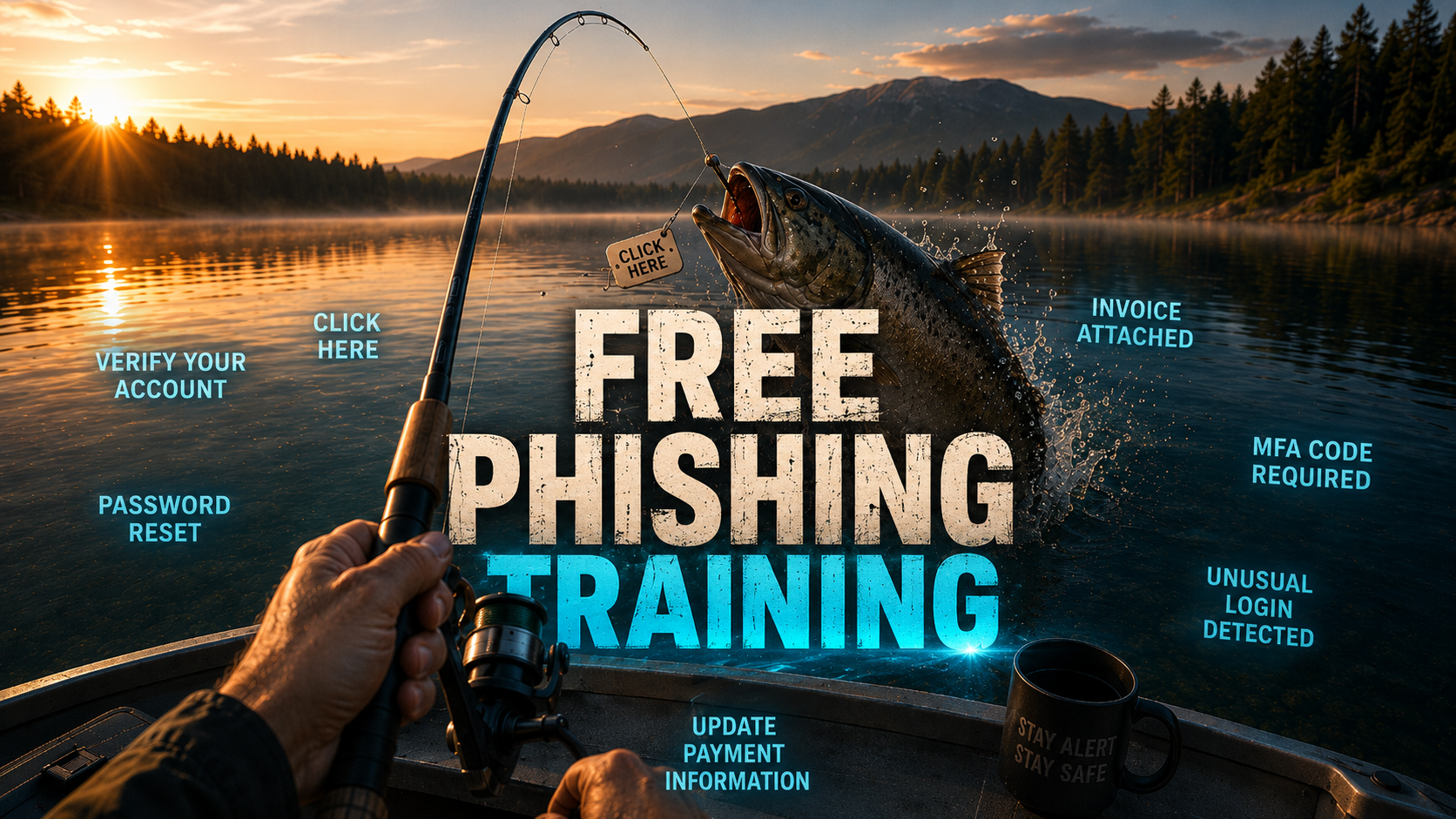
VeriSecure Training
Phishing Awareness Training
A short, practical lesson for office employees to spot suspicious links, fake logins, urgent scams, and “please handle this right now” nonsense before it becomes everyone’s problem.
Start Here: The Scam That Looks Normal
You are halfway through your workday when an email pops up that looks like it came from Microsoft, your boss, HR, payroll, or a vendor.
It says your account is locked. Or your password is expiring. Or an invoice needs immediate review. Or a document was shared with you.
It looks boring. That is the trick.
Phishing works because it hides inside normal work. It does not always look like a cartoon villain email from a prince with a banking problem. Sometimes it looks like Tuesday.
Stop. Check. Report. Stop before clicking. Check the sender and link. Report anything suspicious through the official company process.
What Is Phishing?
Phishing is when a scammer pretends to be someone trustworthy so they can trick you into doing something risky.
Usually, they want you to:
- click a fake link
- enter your password on a fake login page
- open a malicious attachment
- send money or gift cards
- approve a fake request
- share private company, customer, payroll, or personal information
The goal is simple: make you act before you think.
Very sophisticated. Very annoying. Very much not your fault if it looks convincing — scammers spend their whole day making this garbage look real.
Common Warning Signs
Most phishing messages have at least one warning sign. You do not need to be a cybersecurity expert. You just need to slow the process down long enough to notice what feels off.
Messages like “your account will be locked,” “final warning,” or “immediate action required” are designed to make you rush.
Hover over links on desktop, or press and hold on mobile, to preview where they really go before opening them.
The display name may look familiar, but the real email address may be misspelled, random, or from a free email service.
Fake invoices, payroll forms, shipping notices, or “updated documents” are common bait.
A message says your Microsoft, Google, payroll, or company account needs verification. Convenient. Also suspicious.
A “boss” asks you to buy gift cards urgently. This scam has been around forever because apparently it still works.
Scammers copy OneDrive, SharePoint, Dropbox, Google Drive, and DocuSign-style emails to steal logins.
Anything asking you to skip normal approval, payment, payroll, or security steps deserves extra attention.
What To Do Instead
If something feels suspicious, do not try to “investigate” by clicking around. That is how the scam gets a second chance.
- Do not click links. Go directly to the official website or app instead.
- Do not open unexpected attachments. Especially invoices, payroll files, ZIP files, or “secure documents.”
- Do not reply with sensitive information. Real IT, payroll, banks, and vendors should not need your password by email. Ever.
- Do not forward suspicious emails to coworkers. Use the official reporting method so IT can inspect it safely.
- Verify through a known channel. Use a known phone number, company chat, ticketing system, or official website — not the contact info inside the suspicious email.
- Report it. Send suspicious messages to your IT/security team using the approved method.
Tip: Replace the placeholder above with your company’s real reporting email, security mailbox, helpdesk link, or “Report Phishing” button instructions.
Reporting Is Not Getting in Trouble
This part matters.
If you clicked something suspicious, report it quickly. Do not sit there silently hoping the email fairy reverses time.
Security teams would rather hear about a possible mistake early than discover it later after accounts, files, or customer data are involved.
If You Already Clicked Something Suspicious
Do not panic, but do not ignore it either. Fast reporting helps stop small problems before they become company-wide headaches.
- If you clicked a link: close the page and report it.
- If you entered your password: change it immediately from a trusted device and notify IT.
- If you opened an attachment: stop using the device and contact IT.
- If you approved an MFA prompt you did not request: report it immediately.
- If you shared payment, payroll, customer, or personal information: report it right away so the company can respond quickly.
Quick Phishing Safety Checklist
- Stop before clicking anything unexpected.
- Check the real sender address, not just the display name.
- Preview links before opening them.
- Be suspicious of urgency, threats, and “do this now” language.
- Do not open unexpected attachments.
- Verify payment, payroll, password, and login requests through a known channel.
- Do not forward suspicious emails to coworkers.
- Report suspicious messages using the official process.
- If you clicked or entered information, report it quickly.
Phishing Awareness Quiz
Check what you remember. No pressure. This is training, not a courtroom drama.
The Takeaway
Phishing works because people are busy, distracted, and trying to get through the day. Scammers know that. They count on it.
You do not have to be paranoid. You just need a pause button.
Stop before clicking. Check the sender and link. Report anything suspicious. One slow click can save a very long cleanup.
Leave a Reply