

Use the print button above to print or save the checklist as a one-page PDF.
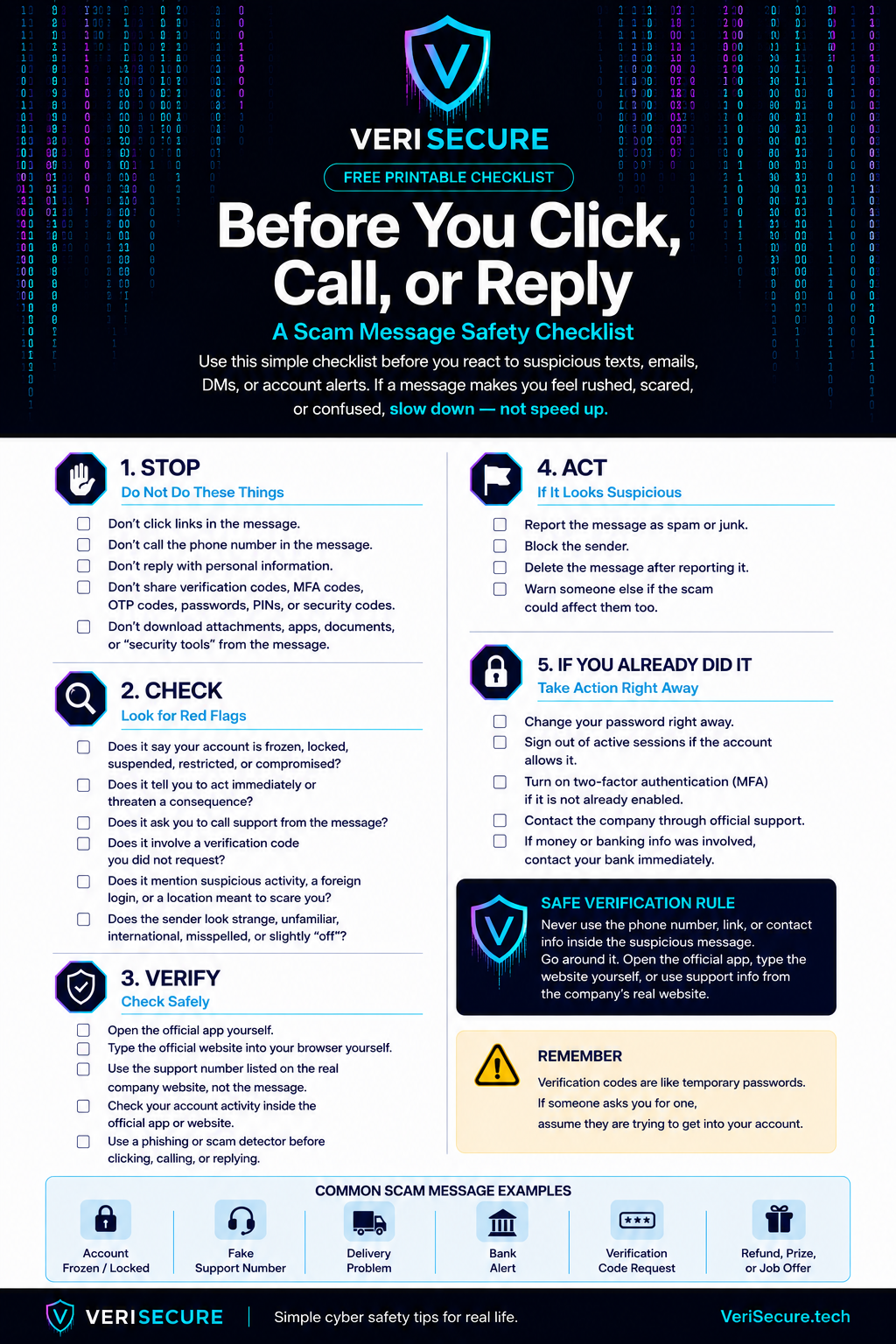
Scam Message Safety Checklist
Before You Click, Call, or Reply
Do not click links in suspicious messages.
Do not call phone numbers from suspicious messages.
Do not reply with personal information.
Do not share verification codes, MFA codes, OTP codes, passwords, PINs, or security codes.
Do not download attachments, apps, documents, or security tools from the message.
Check for red flags:
Account frozen or locked warnings.
Urgent threats or pressure.
Requests to call support from the message.
Verification codes you did not request.
Suspicious activity or foreign login warnings.
Strange, unfamiliar, misspelled, or international senders.
Verify safely:
Open the official app yourself.
Type the official website yourself.
Use support info from the real company website.
Check your account activity inside the official app or website.
If it looks suspicious:
Report the message as spam or junk.
Block the sender.
Delete the message after reporting it.
Warn someone else if the scam could affect them too.
If you already clicked, called, or shared information:
Change your password right away.
Sign out of active sessions if possible.
Turn on two-factor authentication.
Contact the company through official support.
If money or banking info was involved, contact your bank immediately.
VeriSecure.tech
Leave a Reply